Android App Development Company
Build secure, high-performance Android applications for consumer products, enterprise teams, field operations, commerce, and digital platforms with native Android engineering, modern architecture, API integrations, device-aware UX, and Play Store delivery.
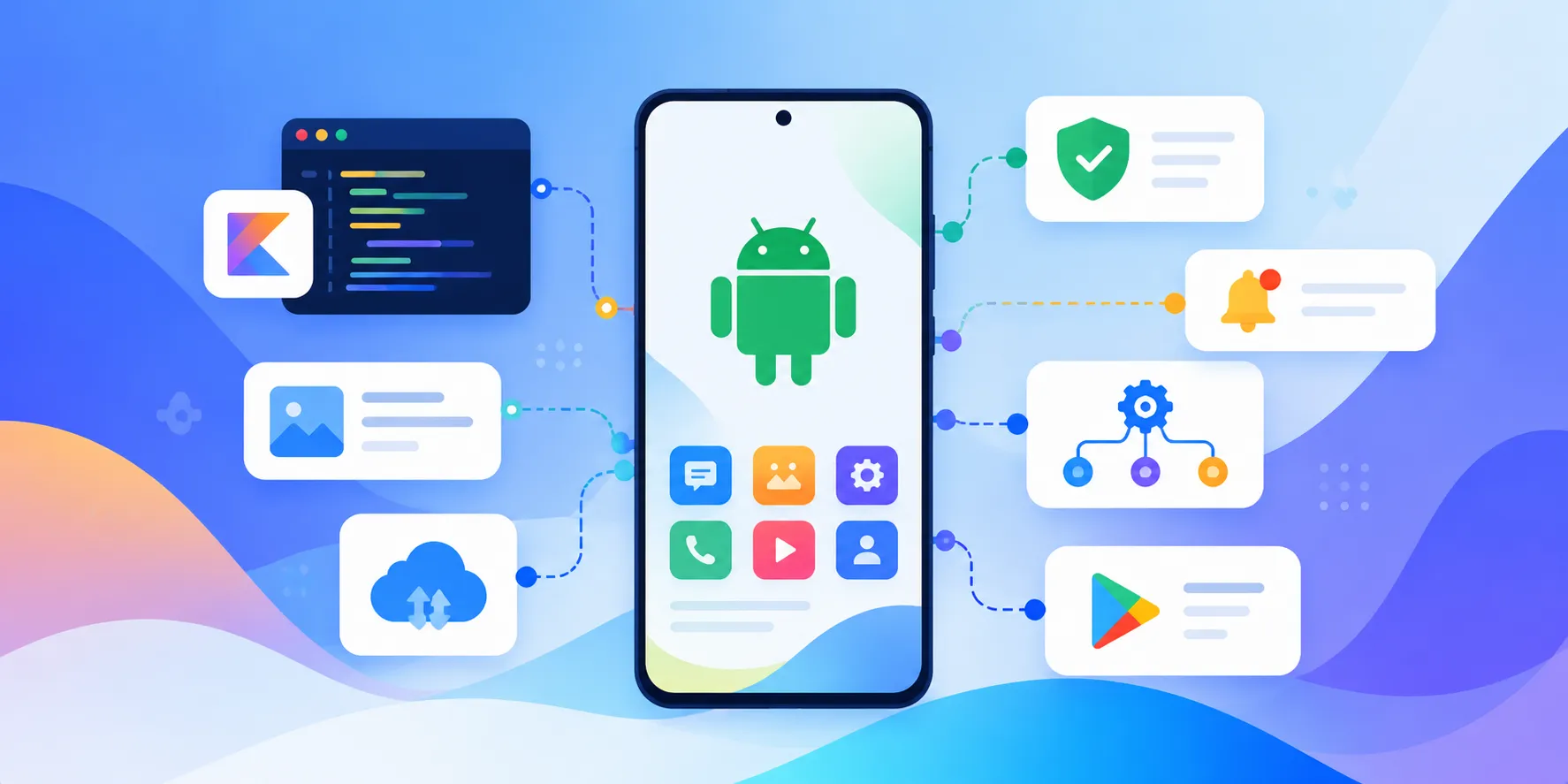
Android Applications Built Around Your Product
An Android application is often the primary touchpoint between a digital product and its users. The quality of that experience depends on much more than the screens inside the app. Authentication, data synchronization, API behavior, permissions, notifications, device capabilities, offline behavior, performance, security, and release management all affect whether users can depend on the application.
Our Android app development services help startups, product companies, and businesses turn requirements into production-ready Android applications. We build customer apps, enterprise applications, field-service tools, commerce experiences, booking products, logistics applications, SaaS companions, and internal mobile workflows.
For applications that need deep Android capabilities, native Kotlin development provides direct access to the platform and its device ecosystem. Where a project has broader cross-platform requirements, we assess the product before recommending native Android, Flutter, React Native, or another approach. The goal is to choose the technology that fits the product rather than forcing every application into one stack.
We can support the full lifecycle from product discovery and Android-specific UX through development, backend integration, quality engineering, Play Store release, monitoring, maintenance, and future feature development.
Who We Help
Android Development for Products, Businesses, and Operations
We work with teams that need Android to become a reliable customer channel, product experience, or operational tool.
- ✓Startups & FoundersTurn a validated product idea or MVP into a focused Android application that can reach users and evolve with market feedback.
- ✓Product CompaniesExtend an existing digital product into Android with native capabilities, reliable API integration, notifications, accounts, and device-aware experiences.
- ✓Enterprise TeamsBuild controlled Android applications for employees, customers, partners, field teams, and managed device environments.
- ✓Commerce & Consumer BrandsCreate Android shopping, loyalty, ordering, booking, subscription, and customer engagement experiences.
- ✓Field & Operations TeamsSupport field workers with mobile workflows, location, camera, documents, offline data capture, synchronization, and task management.
- ✓Existing App OwnersStabilize, modernize, migrate, optimize, or extend an existing Android application without unnecessarily rebuilding everything.
Android App Development Services
Android App Services We Offer
Our Android app development services cover product planning, native engineering, integrations, modernization, quality, release, and ongoing improvement.
Custom Android App Development
Build a purpose-designed Android application around your users, workflows, business rules, APIs, and product roadmap.
Android App Consulting & Strategy
Evaluate requirements, device needs, architecture, technology choices, integrations, risks, and the right first release before development.
Native Android App Development
Develop native Android applications with Kotlin and modern Android architecture for products that need platform performance and device access.
Android MVP Development
Build the essential Android experience needed to validate a product, gather user feedback, and establish a path for future releases.
Enterprise Android App Development
Create secure business applications with role-based access, SSO, offline workflows, enterprise integrations, and controlled deployment.
Android UI/UX Development
Design and implement Android experiences that follow platform conventions while preserving your product's visual identity and user journeys.
Android API & Backend Integration
Connect the app with REST or GraphQL APIs, authentication services, databases, cloud functions, and business platforms.
Android Payment Integration
Integrate payment gateways, in-app purchase flows, wallets, subscriptions, and transaction workflows appropriate to the product.
Android Offline-First Applications
Support field and low-connectivity workflows with local data, background synchronization, conflict handling, and resilient state management.
Android App Modernization
Modernize legacy Android applications, improve architecture, migrate older Java code, refresh UI layers, and reduce technical debt.
Android App Migration
Move an existing application to a new architecture, technology foundation, API platform, or deployment approach while protecting important data and workflows.
Android App Maintenance & Support
Handle OS updates, SDK changes, dependency upgrades, bug fixes, performance improvements, monitoring, and ongoing feature releases.
Core Capabilities
What We Build Into Modern Android Applications
The right feature set depends on the product, but reliable Android applications connect user experience, business logic, data, device capabilities, and operational services.
- ✓Authentication & AccountsBuild secure sign-up, login, password recovery, social sign-in, session management, profile, and account workflows.
- ✓Role-Based AccessControl features and data for customers, employees, partners, administrators, managers, and other user types.
- ✓Push NotificationsUse Firebase Cloud Messaging and application events to deliver useful alerts, reminders, transactional updates, and engagement messages.
- ✓Maps & LocationSupport maps, geolocation, routes, geofencing, nearby services, delivery workflows, and location-aware experiences where required.
- ✓Camera & MediaBuild image capture, video, scanning, uploads, document capture, media processing, and controlled storage workflows.
- ✓Payments & SubscriptionsSupport payment gateways, transaction states, subscriptions, receipts, and purchase-related workflows.
- ✓Offline Data & SyncAllow important workflows to continue with limited connectivity and synchronize changes when a reliable connection returns.
- ✓Search & Data ExperiencesProvide fast search, filters, sorting, pagination, saved states, lists, detail views, and useful mobile information hierarchy.
- ✓Real-Time ExperiencesSupport live status updates, chat, activity feeds, collaboration, tracking, and other time-sensitive experiences.
- ✓Admin & ConfigurationConnect the app to controlled administrative tools for users, content, workflows, settings, and operational management.
Android Architecture Designed for Long-Term Product Growth
A production Android application needs an architecture that keeps UI, business logic, data access, and external services understandable as the product grows. We define boundaries around responsibilities so new features do not require changes across unrelated parts of the application.
For native Android projects, we commonly work with Kotlin and modern Android libraries, choosing patterns such as MVVM or other appropriate presentation and domain boundaries based on the product's complexity. Coroutines and Flow can support asynchronous operations and reactive application state, while local storage can support resilient experiences when connectivity is unreliable.
Architecture also considers API contracts, error handling, local caching, background work, authentication, analytics, crash reporting, deep links, notifications, and release management. These decisions are made around product requirements rather than architecture trends.
The goal is a codebase that a growing team can understand, test, extend, and maintain without making every new feature more expensive than the previous one.
Device & Platform Engineering
Designed for the Android Device Ecosystem
Android applications need to work across a broad range of screen sizes, hardware capabilities, OS versions, manufacturers, and user environments.
Phones & Large Screens
Adapt layouts and interactions for different phone sizes, tablets, foldables, and other supported form factors.
Performance & Memory
Pay attention to startup behavior, rendering, network usage, memory consumption, battery impact, and background processing.
Background Work
Handle synchronization, scheduled jobs, notifications, uploads, and other background tasks without compromising reliability.
Deep Links & App Links
Connect web, marketing, notification, and communication journeys directly into the appropriate application experience.
Biometrics & Device Security
Use appropriate platform security capabilities for protected actions, authentication, and sensitive application data.
Hardware & Sensors
Integrate camera, GPS, Bluetooth, NFC, biometrics, sensors, and other device capabilities when they create real product value.
Android API, Cloud, and Third-Party Integrations
Most Android applications are part of a larger product ecosystem. The app may communicate with a custom backend, CRM, ERP, payment provider, analytics platform, communication service, identity provider, or other external system.
We design integration contracts around authentication, data ownership, synchronization, failure handling, retries, validation, and observability. The Android application should remain stable even when an external service is temporarily unavailable or returns unexpected data.
Common integration areas include REST and GraphQL APIs, Firebase services, payment gateways, maps, analytics, authentication providers, messaging platforms, cloud storage, e-commerce systems, CRM platforms, ERP systems, and custom business APIs.
Where background synchronization or large workloads are involved, asynchronous processing and local state can help keep the user experience responsive while data is exchanged with backend systems.
Security & Privacy
Security Considerations for Android Applications
Mobile applications often handle account information, business data, payments, location, documents, or other sensitive information. Security needs to be considered across the app, APIs, devices, and operational environment.
- ✓Secure AuthenticationImplement secure authentication and session flows with appropriate token handling, expiry, logout, and account protection.
- ✓Protected Local DataStore sensitive information carefully and use appropriate Android security capabilities when data needs to remain on the device.
- ✓API AuthorizationTreat the mobile application as an untrusted client and enforce important authorization and validation rules on the backend.
- ✓Secure PaymentsIntegrate payment services using approved provider mechanisms and keep sensitive transaction responsibilities where they belong.
- ✓Privacy-Aware PermissionsRequest device permissions only when needed and make permission-dependent experiences clear to users.
- ✓Release & Dependency HygieneKeep SDKs, libraries, signing configuration, and release practices maintained as the Android ecosystem evolves.
Quality Engineering
Testing Android Apps Across Real Usage Scenarios
A successful Android release needs more than a clean emulator run. Testing should reflect the devices, network conditions, permissions, workflows, and user behaviors the application will face.
- ✓Functional TestingValidate core user journeys, business rules, forms, navigation, account flows, and edge cases.
- ✓Real Device TestingTest important experiences across representative Android devices, screen sizes, OS versions, and hardware capabilities.
- ✓Network & Offline TestingValidate slow, unstable, interrupted, and restored connections for applications that depend on remote data.
- ✓Performance TestingInvestigate startup time, rendering behavior, memory usage, network behavior, background work, and battery impact.
- ✓Security TestingCheck authentication, permissions, sensitive data handling, API behavior, and application configuration.
- ✓Regression AutomationAutomate repeatable critical flows where it improves release confidence and reduces manual regression effort.
Common Android Use Cases
Android Applications We Build
Android can serve customers directly or become a powerful operational interface for teams working away from a desktop.
E-commerce & Retail Apps
Product discovery, search, carts, checkout, payments, orders, loyalty, notifications, and customer accounts.
On-Demand & Booking Apps
Bookings, availability, location, service requests, payments, status updates, and customer communication.
Logistics & Delivery Apps
Driver workflows, dispatch, location, route information, proof of delivery, offline capture, and synchronization.
Healthcare Applications
Patient-facing experiences, scheduling, communication, records-related workflows, and secure role-based access.
Fintech & Payment Experiences
Account workflows, transaction interfaces, notifications, financial dashboards, and secure integrations.
Field Service Applications
Job assignment, checklists, photos, documents, location, time tracking, status updates, and offline work.
SaaS Companion Apps
Bring important SaaS workflows to mobile with alerts, approvals, dashboards, communication, and on-the-go actions.
Enterprise Workforce Apps
Secure employee applications for operations, approvals, internal communication, productivity, and managed workflows.
Industry Applications
Android App Development Across Industries
We adapt Android experiences to the users, workflows, regulations, connectivity, and operational requirements of each industry.
Retail & E-commerce
Shopping, loyalty, order tracking, customer engagement, payments, and store operations.
Logistics & Transportation
Driver, fleet, delivery, dispatch, tracking, proof-of-delivery, and operations workflows.
Healthcare
Patient, provider, scheduling, communication, operational, and healthcare workflow applications.
Fintech
Secure customer experiences, account interfaces, transaction workflows, notifications, and financial tools.
Education
Learning, student, teacher, communication, assessment, and administration experiences.
Real Estate & Construction
Property, project, lead, field inspection, document, and customer workflows.
Travel & Hospitality
Bookings, discovery, reservations, communication, loyalty, and location-aware experiences.
Professional Services
Field work, client communication, scheduling, approvals, documents, and business operations.
Our Android App Development Process
We connect product decisions, Android engineering, backend integration, testing, and launch planning from the beginning.
Product Discovery
Understand users, business goals, workflows, target devices, market requirements, existing systems, constraints, and success measures.
Android Scope & Roadmap
Define the first release, feature priorities, integrations, platform requirements, risks, and future capabilities.
UX & Android Product Design
Map mobile journeys, information architecture, interaction states, responsive layouts, accessibility needs, and platform conventions.
Architecture & API Planning
Define application layers, data flow, API contracts, authentication, local storage, synchronization, background work, and infrastructure dependencies.
Android Foundation
Set up the Android project, build configuration, environments, architecture foundations, dependency management, analytics, and release workflow.
Feature Development
Build priority screens and workflows in increments, connecting UI, business logic, local state, APIs, permissions, and device capabilities.
Backend & Integration
Connect APIs, authentication, payments, notifications, cloud services, third-party platforms, and asynchronous workflows.
Quality & Device Testing
Test functionality, permissions, network conditions, device compatibility, performance, security, and regression scenarios.
Beta & User Acceptance
Release controlled builds to stakeholders or test users, gather feedback, resolve issues, and validate real-world workflows.
Play Store Preparation
Prepare the Android App Bundle, store assets, application configuration, release tracks, policy requirements, and production rollout plan.
Production Launch
Release through a controlled rollout, monitor crashes and application health, and verify critical user journeys after launch.
Maintenance & Growth
Handle OS and SDK updates, dependency maintenance, bug fixes, performance work, analytics-driven improvements, and new product features.
Android Technologies We Use
We select the Android stack around product requirements, device needs, team capability, maintainability, and integration complexity.
Android App Modernization and Legacy Migration
An existing Android application often contains valuable business logic, integrations, customer data, and workflows. Replacing everything at once can introduce unnecessary risk, so modernization should begin with an understanding of what is actually holding the product back.
Our Android app modernization work can include moving older Java code toward Kotlin, refreshing UI architecture, improving navigation and state management, updating dependencies and SDK targets, improving API boundaries, strengthening testing, optimizing performance, and addressing accumulated technical debt.
Where a larger migration is required, we can plan the transition in stages so new capabilities are introduced while important existing workflows remain available. The roadmap should balance technical improvement with the business need to keep shipping.
Google Play Store Launch and Release Management
Getting an Android application built is only part of the product lifecycle. A production launch also requires release configuration, application signing, store information, testing tracks, policy considerations, version management, and a plan for monitoring the application after release.
We prepare production Android App Bundles and support controlled testing and rollout workflows. This allows teams to validate releases with internal or selected users before making them broadly available.
After launch, crash and performance signals, user feedback, analytics, and support issues can be used to prioritize fixes and future releases rather than treating the Play Store submission as the end of development.
Flexible Delivery
Ways We Can Work With Your Team
Choose the Android delivery model that fits your product stage, internal engineering capacity, and roadmap.
End-to-End Android Development
From discovery and UX through native engineering, backend integration, QA, Play Store launch, and post-launch improvement.
Android MVP Development
Build a focused first release that validates the product without overbuilding features that have not yet been proven.
Dedicated Android Team
Add Android, backend, QA, DevOps, or product engineering capacity around an existing roadmap and team.
Modernization & Rescue
Stabilize an existing application, improve architecture, resolve production issues, modernize the codebase, and continue feature delivery.
When Native Android Development Makes Sense
Native Android development is a strong choice when Android is a primary customer platform or when the application needs deep access to Android capabilities, platform-specific UX, demanding performance, complex background work, or device hardware.
It can also make sense for enterprise applications that depend on managed Android devices, specialized hardware, offline workflows, location, camera, Bluetooth, NFC, biometrics, or other platform capabilities.
A cross-platform approach can be more appropriate when Android and iOS need to launch together with a shared application layer. We evaluate the product requirements, team skills, time-to-market goals, platform differences, and long-term maintenance before recommending the approach.
The important decision is not simply native versus cross-platform. It is whether the chosen technology can support the product's users, experience, integrations, performance requirements, and roadmap without creating unnecessary constraints.
Why Axora Infotech
A Product-Minded Approach to Android App Development
We connect mobile product thinking with backend, integration, quality, and cloud engineering so the Android app works as part of the wider business system.
- ✓Product-First DiscoveryWe begin with users, workflows, outcomes, and device requirements before deciding how the application should be built.
- ✓Full-Stack IntegrationAndroid, backend APIs, databases, cloud services, notifications, payments, and business systems are planned together.
- ✓Practical ArchitectureWe avoid unnecessary complexity and select patterns that the product and engineering team can maintain.
- ✓Device-Aware QualityTesting considers real devices, network conditions, screen sizes, permissions, performance, and important user journeys.
- ✓Incremental DeliveryRelease valuable workflows in stages so stakeholders can validate the product before expanding the roadmap.
- ✓Post-Launch OwnershipWe can continue with maintenance, OS updates, performance improvements, new features, and product iteration after launch.
From Android App Idea to Production Product
A successful Android application is not defined by the number of screens or the technology list. It is defined by whether users can complete important tasks reliably and whether the business can continue improving the product after launch.
For a new product, we focus on identifying the core user journey, defining the first valuable release, and building a foundation that can support later features. For an existing application, we focus on understanding production behavior, technical constraints, and business priorities before deciding what should change.
Our approach brings Android engineering together with APIs, data, cloud infrastructure, quality engineering, analytics, and post-launch support. That helps the mobile application remain connected to the systems and workflows that make the product valuable.
Related Services
Services to Support Your Android App

Mobile App Development
iOS and Android apps with offline-first, real-time sync, delightful UX, and analytics to grow activation and retention.
Learn more
API Development Services
Build secure, scalable, and high-performance Web APIs, custom microservices integrations, and RESTful structures. Enterprise API development company delivering premium connector solutions.
Learn more
Cloud & DevOps Automation
Automate delivery with Kubernetes, Terraform, and GitOps. Improve reliability, time-to-restore, and cloud spend with SRE and FinOps.
Learn moreFrequently Asked Questions
Ready to Transform Your Business?
Get started with our intelligent digital solutions. Our team is ready to help you unlock the power of AI-driven technology.
Send us a message
Fill out the form below and we'll get back to you within 24 hours
Contact Information
Reach out to us through any of these channels